
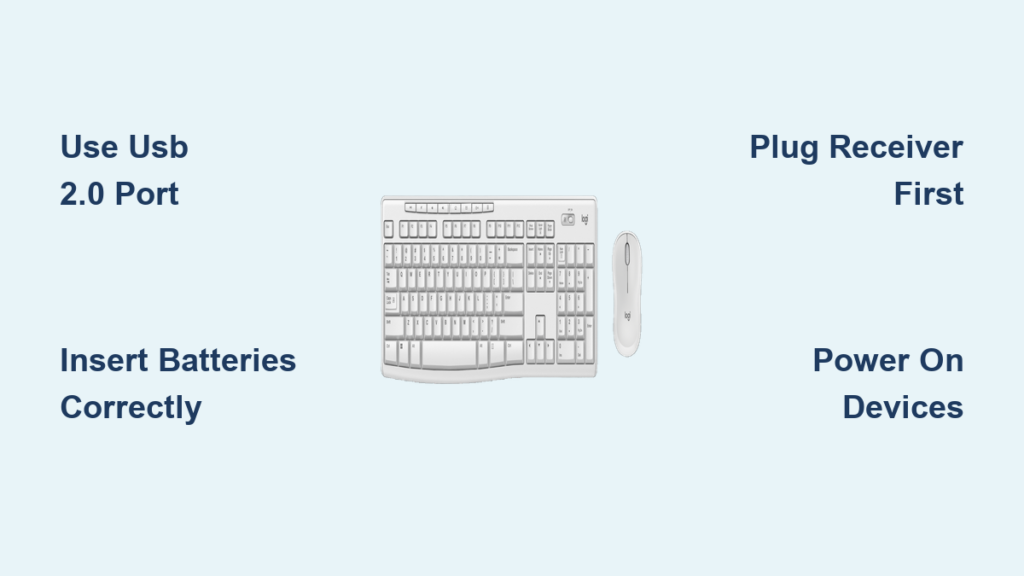
How to Connect Logitech MK270 Wireless Keyboard
You unbox your Logitech MK270 wireless keyboard and mouse, eager to ditch messy cables—only to stare at tiny components wondering […]
You unbox your Logitech MK270 wireless keyboard and mouse, eager to ditch messy cables—only to stare at tiny components wondering […]
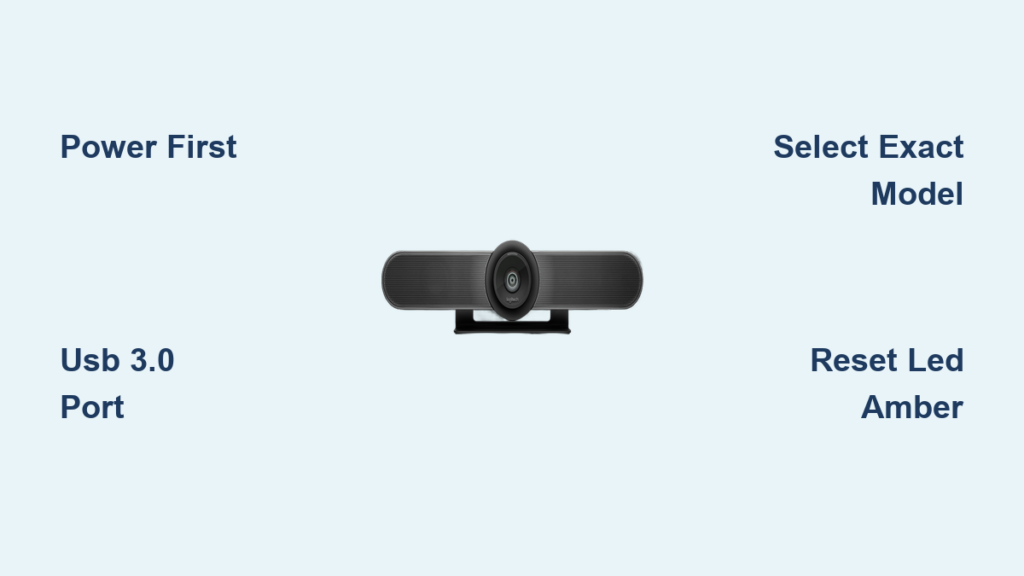
Your Logitech MeetUp camera sits unconnected on the conference table while your team waits for the 9 AM client call.
Your Logitech M720 Triathlon mouse has stopped responding on your MacBook, or maybe you just unboxed it and need to
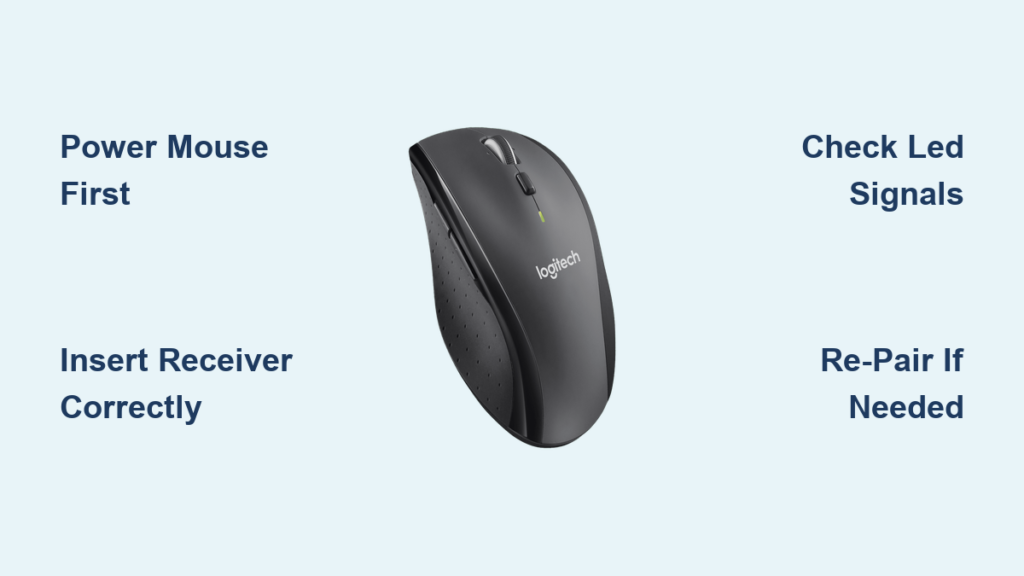
Your Logitech M705 Marathon Mouse sits unresponsive on your desk while you frantically search for answers. That familiar cursor freeze

Your Logitech M650 mouse sits unresponsive on your desk while you frantically toggle switches and hold buttons. You’re not alone—this

You’ve unboxed your new Logitech M510 wireless mouse, plugged in the USB receiver, and… nothing happens. The cursor stays frozen
Your Logitech M350 cursor freezes mid-zoom. The scroll wheel stutters during a critical presentation. Or worse—your brand-new Pebble mouse lies
Your Logitech M220 wireless mouse arrived, but the cursor won’t move. You’ve inserted the battery, plugged in the tiny USB

You’ve just unboxed your new Logitech keyboard, eager to ditch your MacBook’s cramped keys, but it won’t connect. That blinking

Your Logitech Lightspeed mouse has arrived, and you’re ready to experience that buttery-smooth, lag-free wireless performance. But when you unbox